
BC Game Registration
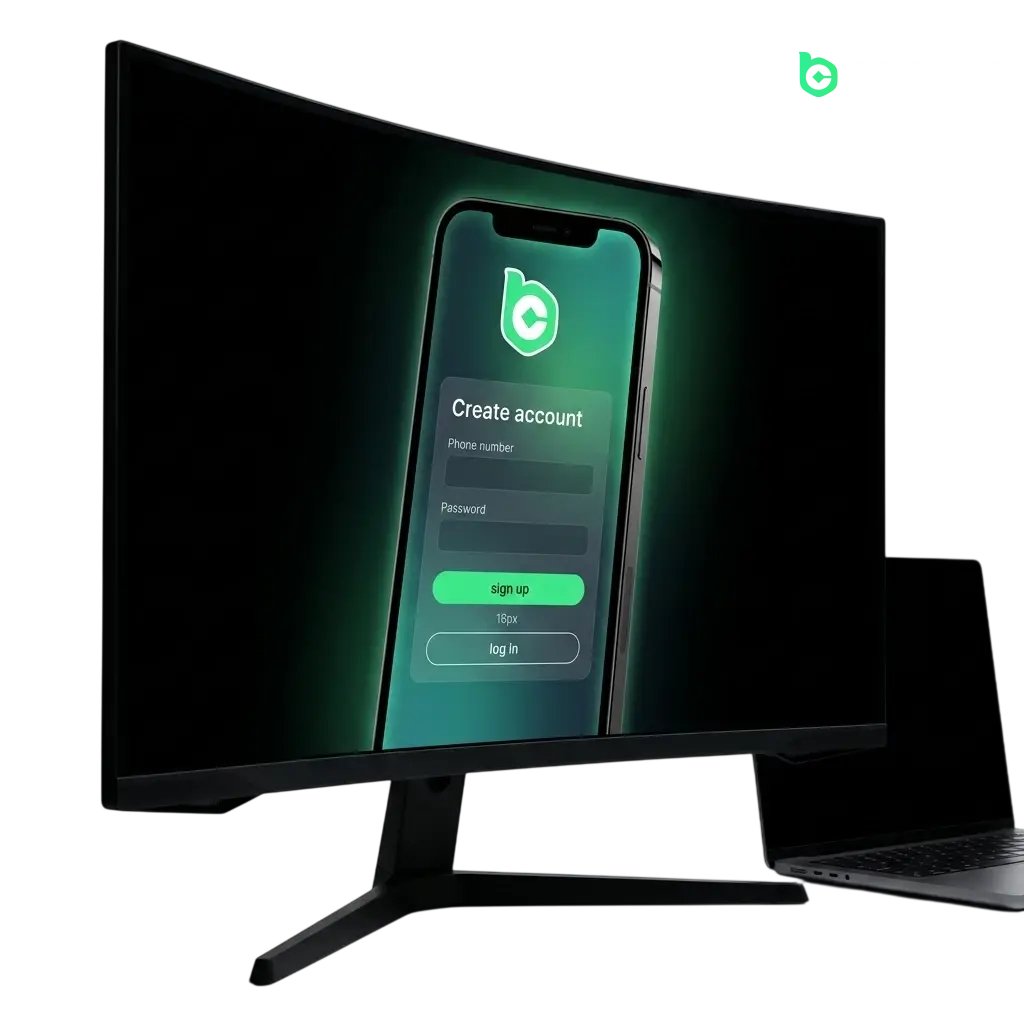
Creating a BC Game account gives you full access to thousands of casino games and a dedicated sportsbook covering major Canadian leagues and international events. The sign-up process supports multiple methods, including one-click registration, email, phone number, and social media login, so you can get started in under two minutes. Once registered, you can deposit funds, place bets, and request withdrawals using crypto and fiat options. New users in Canada are eligible for a welcome package of 1080% across the first four deposits, plus 340% Rakeback on eligible wagers.
All Available Registration Options on BC Game
BC Game offers several ways to create a new account, so you can choose the method that suits you best. Each option leads to the same verified account with full access to deposits, withdrawals, bonuses, and both the casino and sportsbook sections. The available registration methods are:
- One-click registration;
- Email address;
- Phone number;
- Social media accounts (Google, Telegram, MetaMask, and others).
One-Click Registration on BC Game
One-click registration is the fastest way to create an account. No email or phone number is required at sign-up, though you will need to add contact details later for full account access and withdrawals.
- Visit the BC Game website and click the “Sign Up” button in the top right corner.
- Select the “One Click” tab on the registration form.
- Choose your preferred currency from the dropdown list.
- Tick the checkbox confirming you are 18 or older and agree to the Terms of Service.
- Click “One Click Register” to generate your account credentials instantly.
Registration by Email on BC Game
Email registration creates a permanent login credential tied directly to your inbox, making account recovery straightforward if you ever lose access.
- Click “Sign Up” at the top of the page and select the “Email” tab.
- Enter a valid email address and create a secure password.
- Input your referral code if you have one (optional).
- Accept the Terms of Service and confirm you are 18 or older.
- Click “Register” and verify your email address via the confirmation link sent to your inbox.
Registration by Phone Number on BC Game
Phone number registration links your account to your mobile number, enabling SMS-based login and added security for your profile.
- Open the “Sign Up” form and select the “Phone” tab.
- Choose your country code (Canada: +1) and enter your mobile number.
- Create a password for your account.
- Accept the Terms of Service and the age confirmation checkbox.
- Click “Get Code,” enter the SMS verification code sent to your phone, then complete registration.
Registration via Social Media or Third-Party Accounts
BC Game supports social and wallet-based sign-up through Google, Telegram, MetaMask, and other supported providers, letting you link an existing account without creating a separate password.
- Click “Sign Up” and select your preferred social or wallet provider from the available icons (Google, Telegram, MetaMask, etc.).
- Authorise BC Game to access your chosen account in the pop-up window.
- Review and accept the Terms of Service on the confirmation screen.
- Your BC Game account is created automatically and linked to that provider.
Register via the BC Game Mobile App
BC Game does not currently publish a dedicated native app on the Apple App Store or Google Play Store. Instead, it offers a Progressive Web App (PWA) that installs directly from the browser onto your home screen and functions like a native app. The PWA supports all registration methods available on the desktop site and runs on both Android and iOS devices without requiring a download from an app store.
- Open the BC Game site: Navigate to the official BC Game URL in your mobile browser (Chrome for Android, Safari for iOS).
- Install the PWA: On Android, tap the browser menu and select “Add to Home Screen.” On iOS, tap the Share icon and choose “Add to Home Screen.” Confirm the installation.
- Launch the app and open sign-up: Tap the BC Game icon on your home screen, then tap “Sign Up” in the top right corner.
- Choose your registration method: Select one-click, email, phone number, or a social/wallet provider (Google, Telegram, MetaMask) and complete the corresponding steps.
- Confirm your account: Verify your email or phone number if prompted, set your preferred currency, and your account is ready to use.
Account Registration Requirements
All users must meet BC Game’s eligibility criteria before creating an account. The minimum age requirement is 18 years old. You must be located in a jurisdiction where online gambling is permitted under local law; Canadian players are accepted on the platform. Only one account per person is permitted; duplicate accounts may be closed and balances forfeited. You must provide accurate personal information during registration and any subsequent verification steps.
- You must be at least 18 years of age at the time of registration;
- You must reside in a jurisdiction where accessing online gambling platforms is legal;
- Only one account per individual is allowed; creating multiple accounts violates the Terms of Service;
- All information provided during sign-up must be accurate and belong to you;
- You must agree to BC Game’s Terms of Service and Privacy Policy before completing registration.
Login to Your BC Game Account
Once your account is created, signing in takes seconds using your registered credentials or linked provider.
- Click the “Login” button at the top right of the page.
- Select the sign-in method that matches how you registered: enter your email and password, your phone number and password, or click the icon for your linked social or wallet provider (Google, Telegram, MetaMask).
- Complete any two-factor authentication (2FA) prompt if you have enabled it on your account.
- You will be redirected to your account dashboard where your balance, bonuses, and game history are visible.
Account Verification Process on BC Game
Account verification, also referred to as KYC (Know Your Customer), is a standard compliance requirement on BC Game. It confirms your identity, protects your account from unauthorised access, and is required before you can process withdrawals. Higher verification tiers remove withdrawal limits and enable access to larger transaction amounts. The process typically completes within 24 hours of document submission.
- Identity verification (KYC Level 1): Navigate to your account settings, select “Verification,” and submit a government-issued photo ID (passport, driver’s licence, or provincial ID card).
- Proof of address (KYC Level 2): Upload a utility bill, bank statement, or official document dated within the last three months that confirms your residential address.
- Selfie verification: Submit a clear selfie holding your ID document next to your face to confirm the documents belong to you.
- Review and approval: The BC Game compliance team reviews submitted documents, typically within 24 hours. You will receive a confirmation notification once approved.
- Enhanced verification (if required): For high-volume withdrawals or flagged accounts, BC Game may request additional documentation such as proof of funds.
Welcome Bonuses for New Users from Canada
New BC Game users in Canada are eligible for a multi-tier welcome package that covers both casino deposits and ongoing rakeback rewards. The casino welcome offer reaches up to 1080% across your first four deposits, and a 340% Rakeback deal is available to new users on qualifying wagers. These two offers can be claimed alongside each other, making the overall new-user package one of the more substantial entry-level offers currently on the platform.
Casino Welcome Bonus: Up to 1080%
The BC Game casino welcome package spans your first four deposits, with each deposit tier offering a separate bonus percentage. The combined maximum across all four deposits reaches 1080% in bonus funds.
| Detail | Information |
|---|---|
| Bonus structure | 4-deposit welcome package |
| Total bonus | Up to 1080% combined |
| Minimum deposit | Check current terms in the Promotions section |
| How to claim | Opt in via the Promotions page before making each qualifying deposit |
| Wagering requirements | Refer to the current bonus terms in your account for the applicable multiplier |
| Eligible games | Casino games as specified in the active bonus terms |
Rakeback Offer: 340% for New Users
The 340% Rakeback deal is available to newly registered users and returns a percentage of the house edge on qualifying bets placed across the platform. This offer applies to both casino and sportsbook wagers on eligible markets.
| Detail | Information |
|---|---|
| Rakeback rate | 340% for new users |
| Applicable sections | Casino and sportsbook (eligible wagers only) |
| How to claim | Activate via the Promotions page after completing registration |
| Minimum deposit | Refer to current promotion terms in your account |
| Wagering requirements | Rakeback is credited based on actual wager volume; check active terms for payout schedule |
Your BC Game Account Overview
The personal account area on BC Game centralises all account activity, from balance management to bonus tracking, in one place.
- Wallet: View balances across all supported cryptocurrencies and fiat currencies, initiate deposits, and submit withdrawal requests;
- Transaction history: Access a full log of all deposits, withdrawals, bets, and bonus credits, with date and amount filters;
- Bonus and promotions hub: Track active bonuses, monitor wagering progress, and opt in to new offers before making a qualifying deposit;
- VIP and loyalty programme: Monitor your current VIP level, accumulated XP, and upcoming tier rewards within BC Game’s loyalty structure;
- Security settings: Manage your password, enable or disable two-factor authentication (2FA), and review active sessions;
- Verification centre: Submit KYC documents, track review status, and view your current verification tier;
- Responsible gambling tools: Set deposit limits, session time limits, loss limits, or request a self-exclusion period directly from your account;
- Referral programme: Access your personal referral link, view referred users, and track commissions earned through the BC Game affiliate referral system.
Common Registration Problems and Solutions
A small number of users encounter issues during the sign-up process. The table below covers the most frequent problems and the steps to resolve them quickly.
Below are the most frequent sign-up issues and how to fix them.
| Problem | Solution |
|---|---|
| Verification email not received | Check your spam or junk folder; if the email is not there after five minutes, use the “Resend Email” option on the confirmation page or switch to phone registration |
| SMS code not delivered | Confirm your country code is set to +1 for Canada; wait 60 seconds before requesting a new code; check that your number is not on a VoIP service, as these are not supported |
| Social login pop-up blocked | Enable pop-ups for the BC Game site in your browser settings, then attempt the social sign-in again |
| “Email already registered” error | Use the password reset function on the login page to recover access to the existing account linked to that email address |
| Site not loading during registration | Clear your browser cache, disable any active VPN, and try again; alternatively, switch to a different browser or use the PWA on mobile |
Steps to Delete Your Personal Account
- Log in to your account and ensure your wallet balance is at zero; withdraw any remaining funds before submitting a closure request.
- Contact BC Game customer support via the live chat feature or by submitting a ticket through the Help Centre, and state that you wish to permanently delete your account.
- Provide the verification details requested by the support agent (registered email, phone number, or identity confirmation) to authorise the request.
- Receive written confirmation from the support team that your account has been permanently closed.
Note: There is no instant self-deletion option in the account settings. BC Game processes all account closure requests through its support team.
Frequently Asked Questions About BC Game Registration
How long does it take to complete the BC Game sign-up process?
The one-click and social login methods take under one minute to complete. Email and phone registration typically take two to three minutes, including the time to verify your contact detail via confirmation link or SMS code.
Can I create an account without providing personal information immediately?
Yes. One-click registration lets you create an account without entering an email address or phone number at sign-up. You will need to add and verify contact information later to access withdrawals and higher deposit limits.
Is a referral code required to register?
A referral code is optional. You can enter one during the sign-up process if a friend or affiliate partner has provided it. It is not a mandatory field, and omitting it does not affect your eligibility for the standard welcome bonus.
How many accounts am I allowed to have on BC Game?
One account per person is permitted. The platform monitors for duplicate registrations, and accounts found in violation of this policy may be suspended and balances forfeited under the Terms of Service.
What currencies can I select when creating a new account?
BC Game supports a broad range of cryptocurrencies at account creation, including BTC, ETH, USDT, BNB, and others. You can also add additional currency wallets from your account dashboard after registration.